
Free PDF tools. Nothing is uploaded.
Five free tools that run in your browser tab, so the file you open is never uploaded: there is no server to send it to. No account, and no limit on how often you use them.
Free PDF tools
Free tools for step-by-step guides
How the tools keep your file private
The work is done by your browser, on your computer. There is no server behind these pages that could receive a file. The site counts visits with Google Analytics, and the count carries nothing about your file.
Stays in this browser tab
- The file you open, and its name
- Anything you type, tick or sign
- The file you save: it goes straight to your Downloads folder
What the page asks the internet for
- Its own scripts, styles and fonts, from sopycat.com
- The PDF reader, also from sopycat.com, when you choose a file
- A count of the visit for Google Analytics, with nothing about your file
Questions about the free tools
- Are my files uploaded?
- No. Each tool runs in your browser tab, so the file you open stays on your computer. There is no server to send it to, and closing the tab discards everything.
- How can I check that nothing is uploaded?
- Open your browser's developer tools, choose Network, and watch while you work. You will see the page fetch its own scripts and send Google Analytics a count of the visit. No request carries your file, its name or anything you type.
- Is there a limit, an account or a watermark?
- No account, and no limit on how often you use them: the tools are free. A PDF can be up to 150 MB and 2,000 pages, and a manual up to 500 steps. The PDF tools add no mark to your pages. The two tools that make a manual put a small "Made with Sopycat" line at the foot of each page.
- Do the tools work without the Sopycat app?
- Yes. They run in your browser on their own. The Sopycat app for Windows does more: it records a task and writes the manual for you, and it has a full PDF editor.
When the job is bigger
The free tools do one small job each. The Sopycat app for Windows does the whole of it, on your own computer.
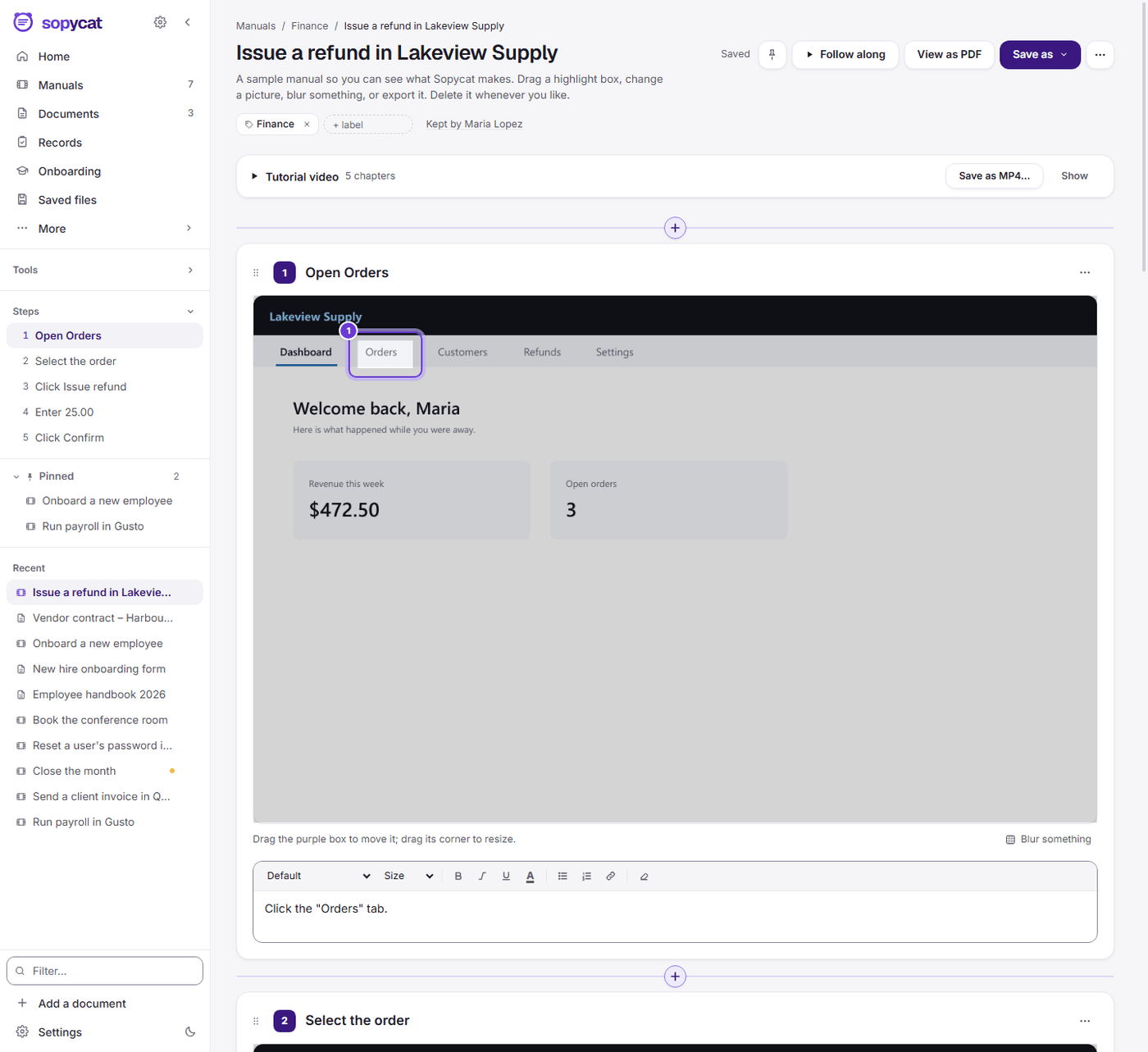
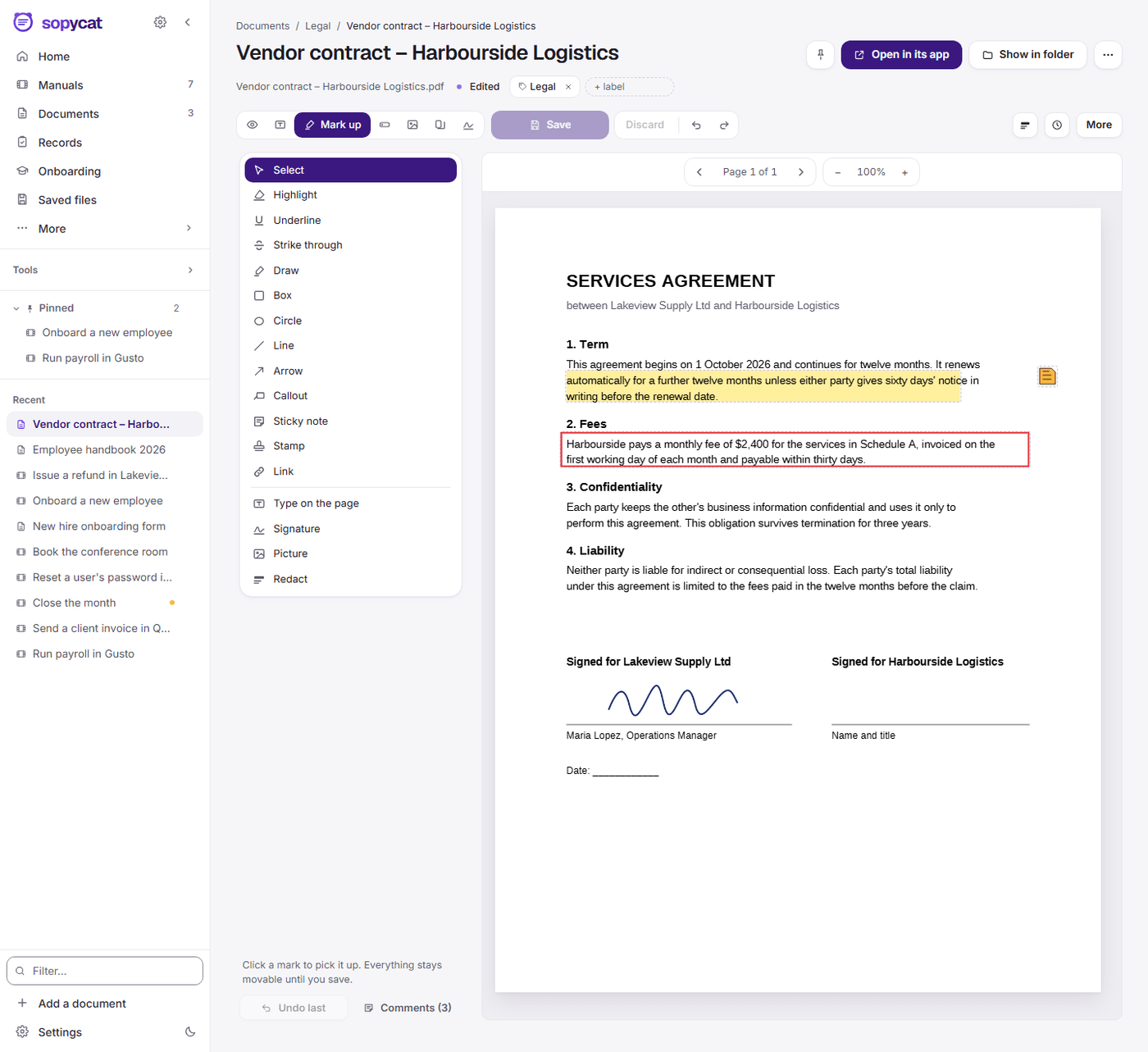
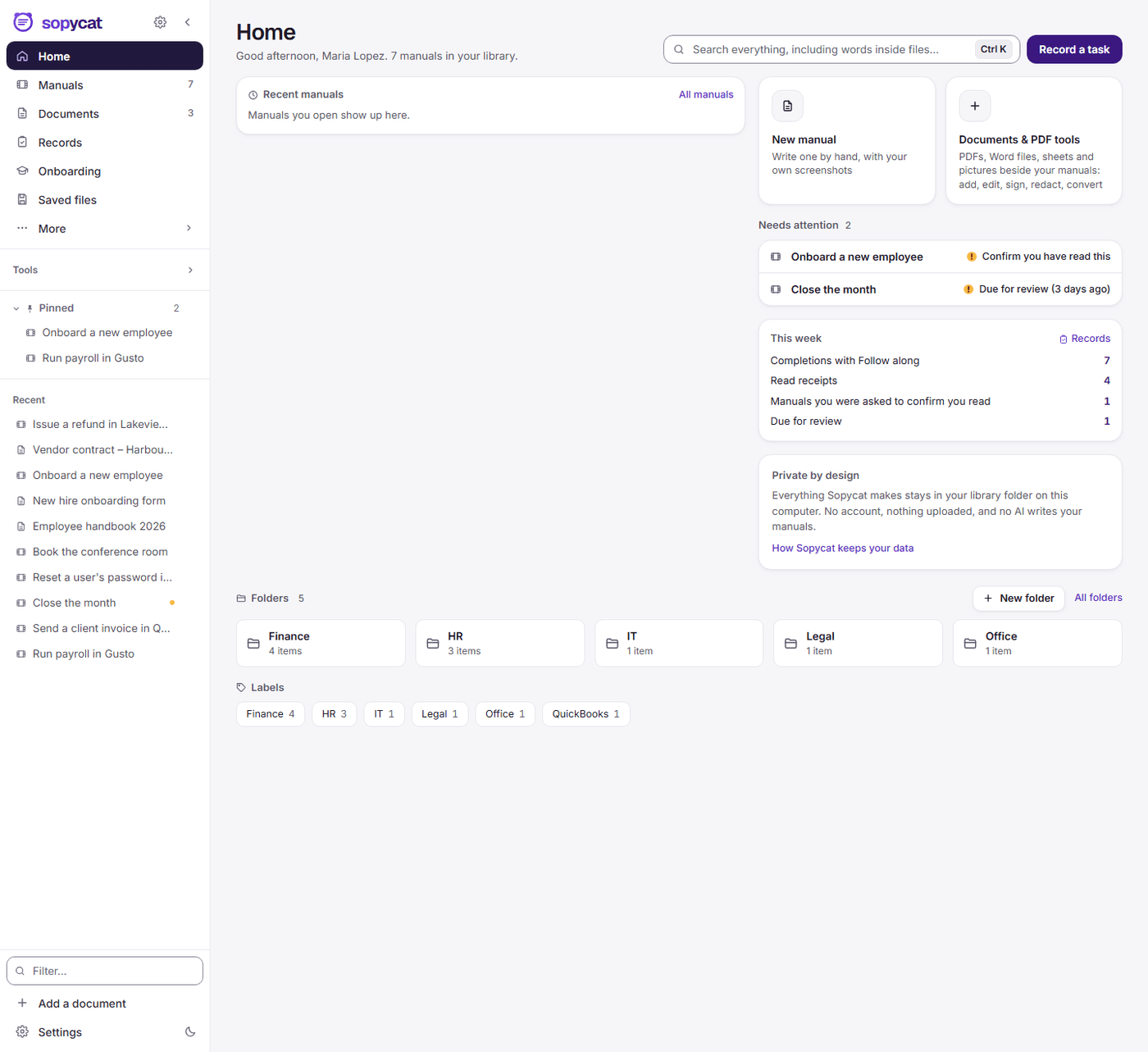
Do the task once. Sopycat writes the manual.
The Windows app records what you do and turns it into a step-by-step manual, with a full PDF editor beside it. Everything stays on your computer.