
Merge PDF files without uploading them
Combine PDF files into one without uploading them: this page does the work in your browser. Put the pages in your order, turn the ones that are sideways, take out the ones you do not need, and save one PDF. Free, with no account.
Runs in this browser tab. Your file is not uploaded: there is no server to send it to.
Drop PDFs here
Several at once is fine. They stay in this tab.
How to merge PDF files without uploading them
- 1
Drop your PDFs on the page, or choose them.
- 2
Drag the sheets into order, or use the arrows on each one. Turn a page or take it out with its buttons.
- 3
Press Save as one PDF. The new file goes to your Downloads folder; your originals are not changed.
What the Sopycat app adds
- Combine PDFs with pictures, Word, Excel and PowerPoint files in one go.
- Edit the words on a page, not only its order.
- Make a scanned PDF searchable (OCR), and make large PDFs smaller.
- Keep the result in a library on your PC, ready to sign or send.
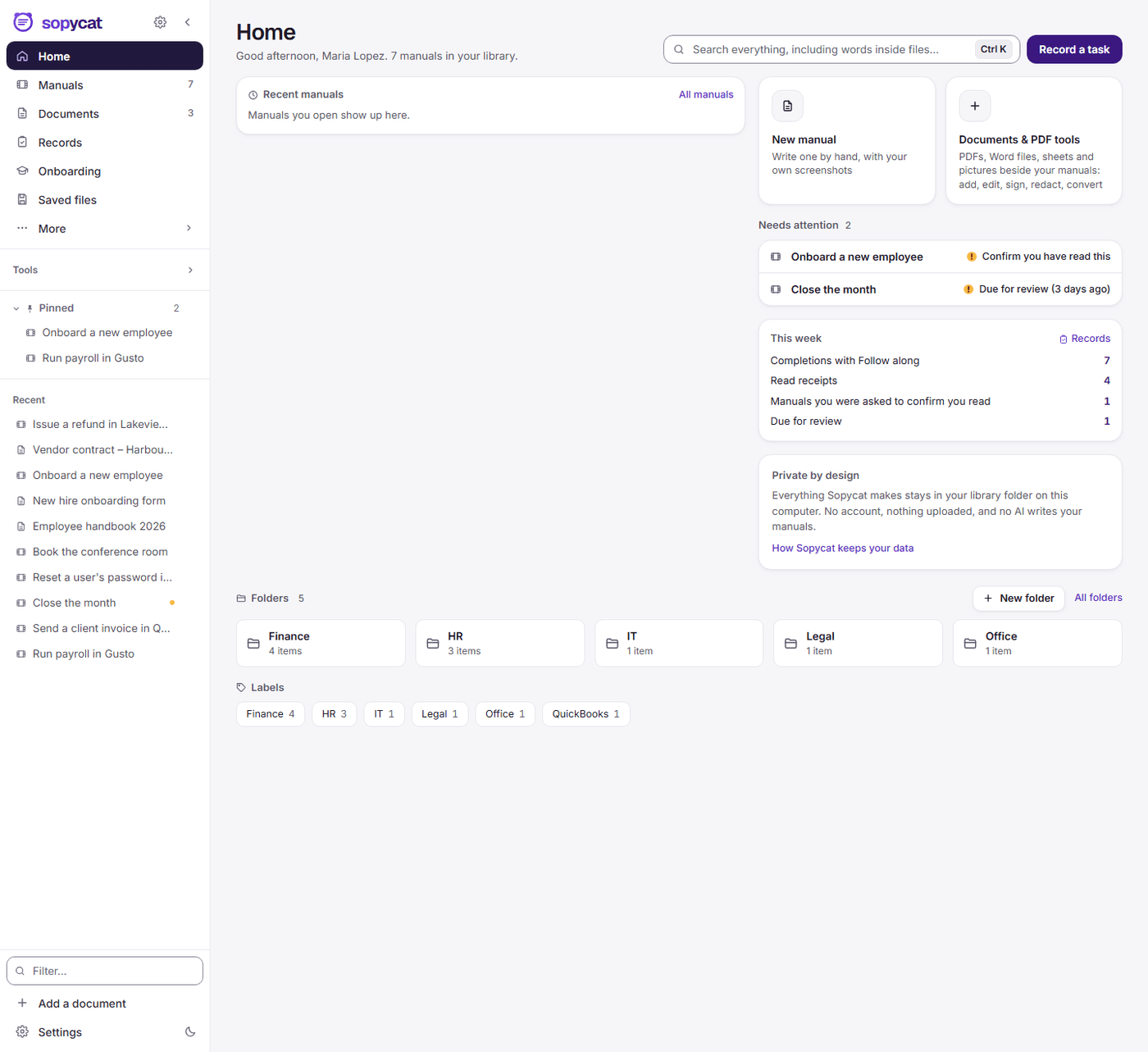
In the app you can combine PDFs with Word, Excel and pictures, beside the full PDF editor.
Questions about merging PDFs
- Is my PDF uploaded when I merge it?
- No. This page merges your files in your browser, on your computer. There is no server behind it that could receive a file, and closing the tab discards everything.
- Is it safe to merge PDFs online?
- It depends on where the work is done. A tool that works on a server has to be sent your file. This page does the work in your browser, and no request carries your file. You can watch your browser's Network panel to check.
- Can I take pages out, or keep only some?
- Yes. Each page is shown as a small sheet you can take out, turn or move. To keep only some pages of a file, type them beside its name, such as 1-3, 5.
- What happens to a form in a merged file?
- Its boxes are still shown with what was typed in them, but the merged file is a new PDF, so they can no longer be typed into. Fill the form in first, then merge.
- Why can a locked PDF not be merged?
- A PDF locked with a password or with restrictions is scrambled, and this page cannot unscramble it. Save a copy without the lock from the program that made it, then bring that copy here.
- Does it add a watermark?
- No. The PDF tools add no mark to your pages.
- Is the PDF merge tool free?
- Yes. Merging is free, with no account and no limit on how often you use it.
Do the task once. Sopycat writes the manual.
The Windows app records what you do and turns it into a step-by-step manual, with a full PDF editor beside it. Everything stays on your computer.