
Fill and sign a PDF without uploading it
Fill out a PDF form and sign it without uploading it: this page does the work in your browser. Type into the form's own boxes, write anywhere on the page, tick what needs ticking and place your signature. Then save the PDF and send it.
Runs in this browser tab. Your file is not uploaded: there is no server to send it to.
Drop a PDF here
A form to fill in, or any PDF to write on or sign. It stays in this tab.
How to fill and sign a PDF
- 1
Drop the PDF on the page, or choose it.
- 2
Type into the boxes on the page. For anything else, press Add text, Add a tick or Sign, then click where it should go.
- 3
Press Save the PDF. The filled-in copy goes to your Downloads folder; the original is not changed.
What the Sopycat app adds
- Save your usual answers as a profile and fill the next form in one go.
- Add fill-in boxes to a PDF that has none; Sopycat can find the lines and boxes for you.
- Sign with a certificate, and check the signatures already in a file.
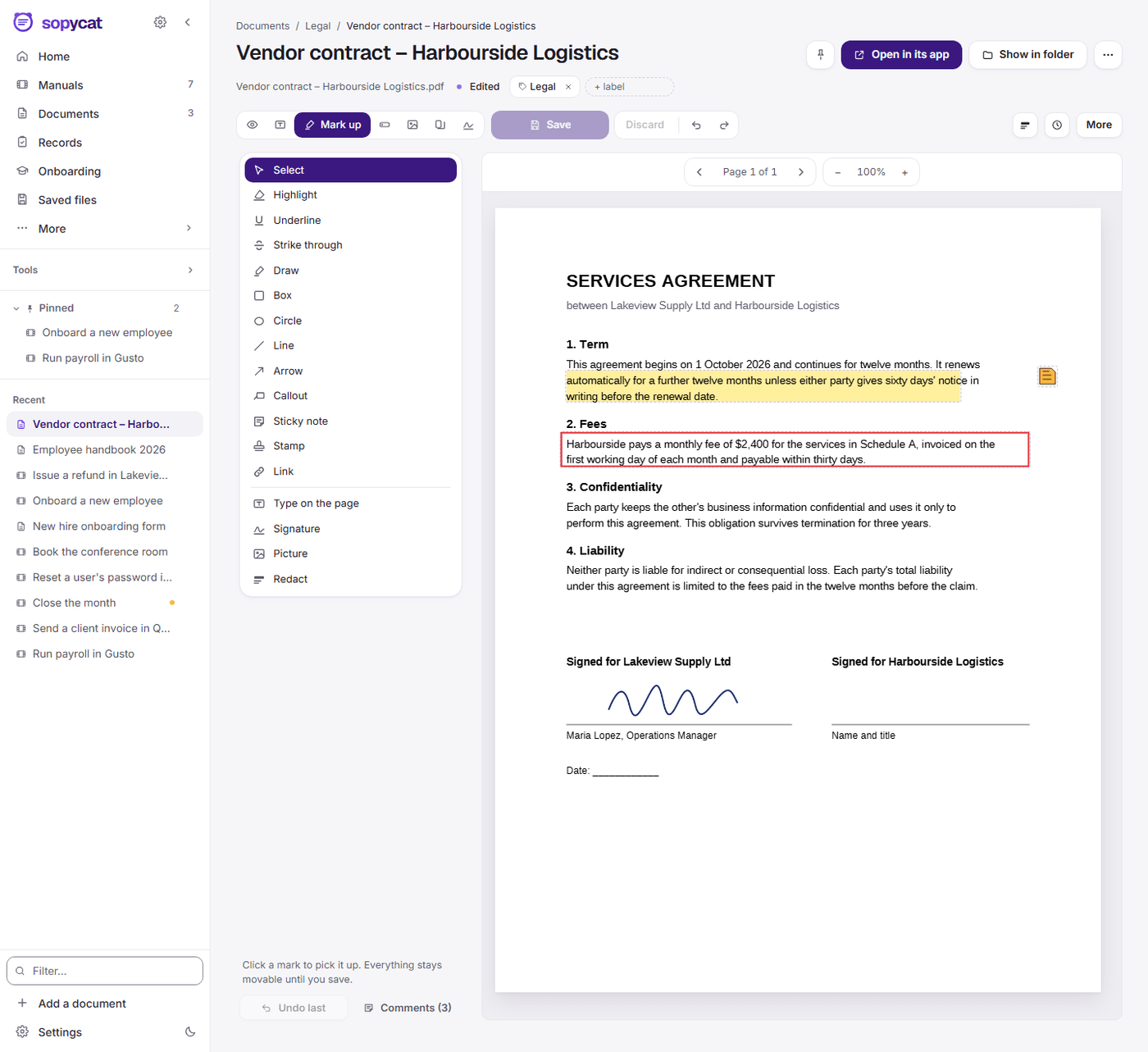
- Edit the PDF's own words, highlight, comment and stamp.
All of it is in the full PDF editor, on your own PC.
Questions about filling in and signing a PDF
- Is the form I fill in uploaded?
- No. The form is filled in by your browser, on your computer. There is no server behind this page that could receive it, and closing the tab discards everything.
- How do I fill out a PDF that has no boxes to type in?
- Press Add text and click where the words should go, as many times as you need. Add a tick puts a tick in a printed box.
- How do I add a check mark?
- Press Add a tick, then click the box.
- Is the signature a legal digital signature?
- This page places a picture of your signature on the page. That is a simple electronic signature, which is what most everyday paperwork asks for. It is not a certificate-based digital signature; the Sopycat app's PDF editor can sign with a certificate.
- Can the person I send it to change my answers?
- If you tick Make the answers permanent, your answers become part of the page and the form's boxes are gone. Without it, the form stays a form.
- Some letters came out as a question mark. Why?
- The page writes with a font that covers Latin, Greek and Cyrillic letters. Letters it does not have, such as Chinese, Japanese, Korean or Arabic, cannot be written here yet; the page tells you which ones.
- Is filling in and signing a PDF free?
- Yes. Filling in and signing is free, with no account and no limit on how often you use it.
Do the task once. Sopycat writes the manual.
The Windows app records what you do and turns it into a step-by-step manual, with a full PDF editor beside it. Everything stays on your computer.